 ngx-json-render MCP App
ngx-json-render MCP App
ngx-json-render MCP App
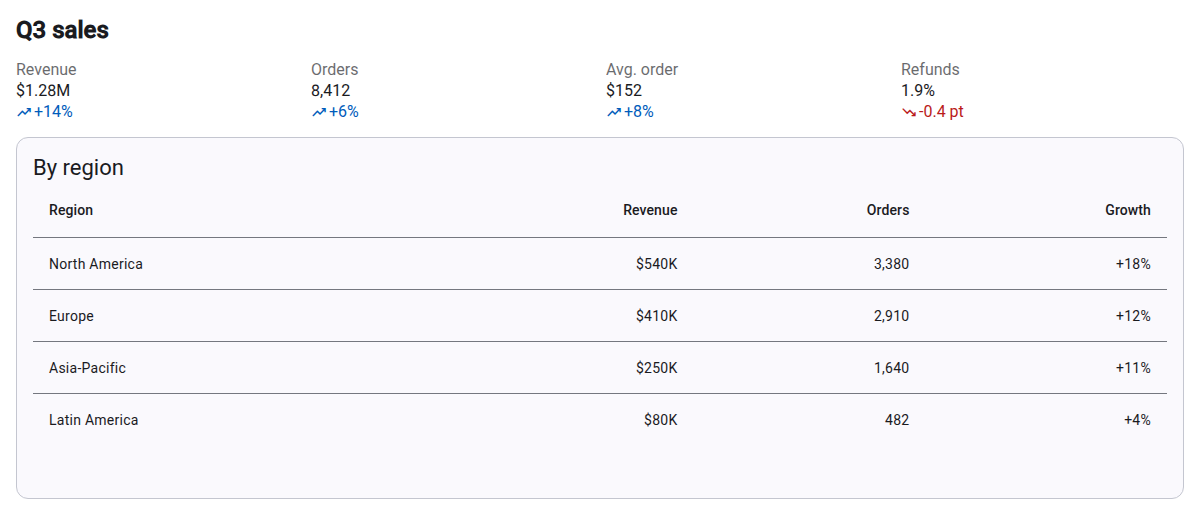
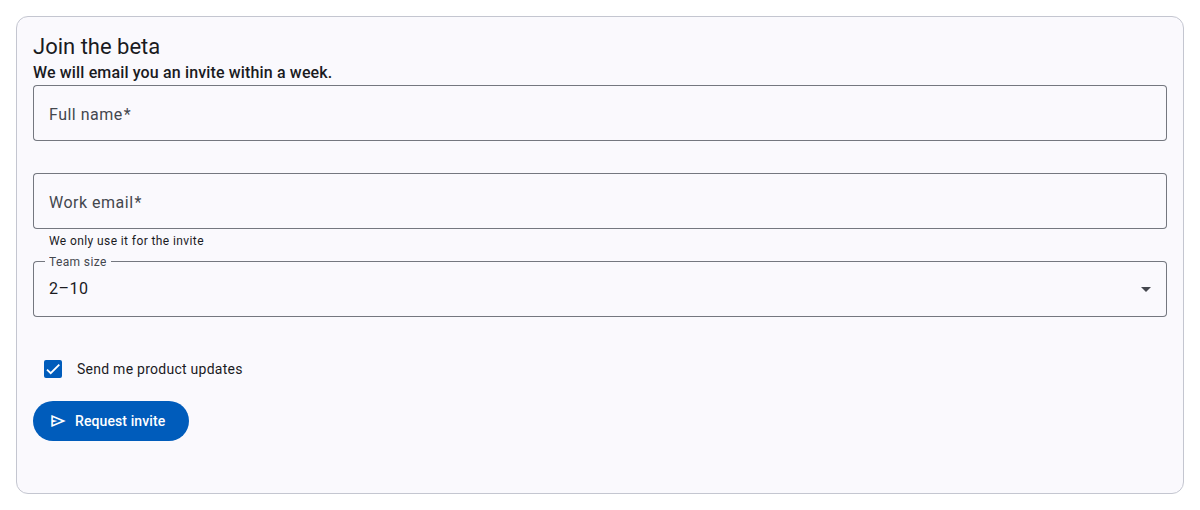
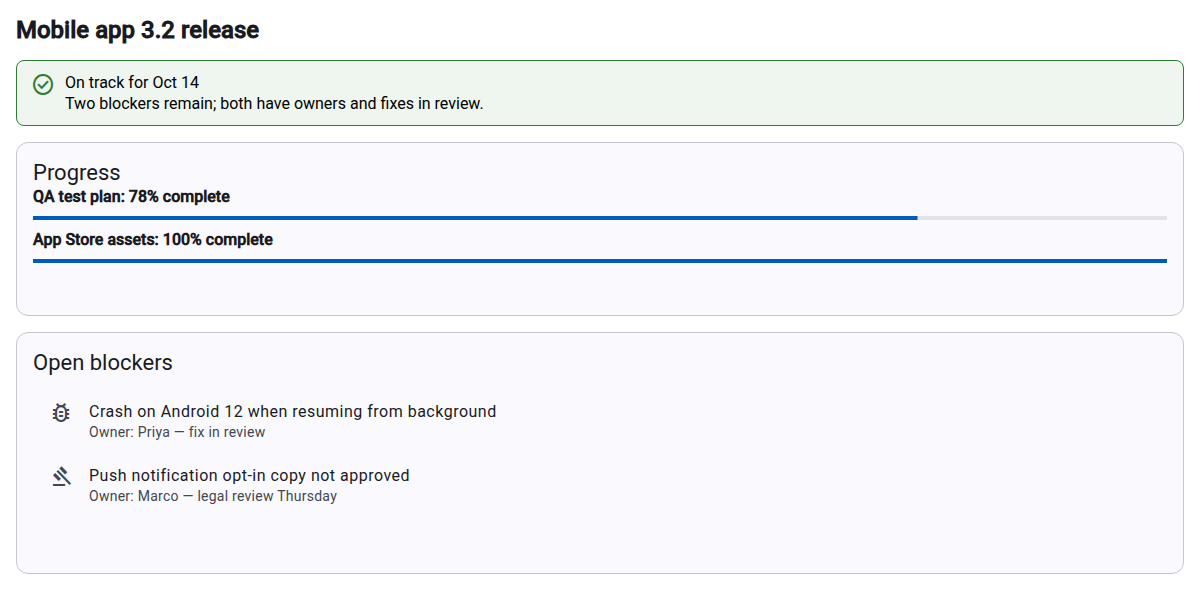
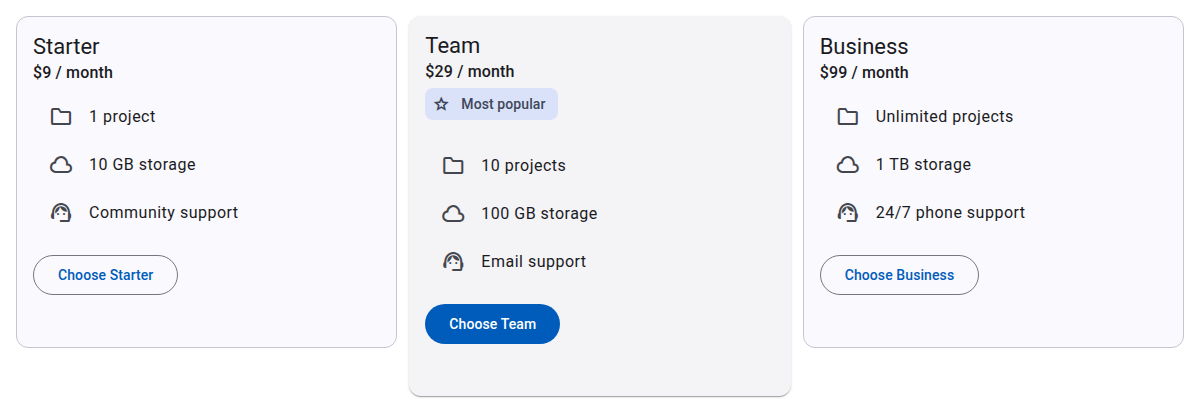
An MCP server with one tool, render-ui. When you ask your AI
assistant for a dashboard, a form, a status summary or a comparison, it
describes the UI as a
json-render spec
and the tool renders it inline in the chat as interactive Angular Material
components: tables, cards, metrics, forms with validation, tabs, lists and
buttons.
It works in any client that supports MCP Apps: Claude, ChatGPT, VS Code, Cursor, Goose and others. No account and no authentication are needed, and the server stores nothing (see the privacy policy).
Server URL (Streamable HTTP, no authentication):
https://ngx-json-render.vercel.app/mcp-s user it is added to the current project only.
claude mcp add -s user --transport http ngx-json-render-ui https://ngx-json-render.vercel.app/mcpclaude mcp get ngx-json-render-ui should report
Connected; the render-ui tool is available in
sessions started after that. Claude Code shows the spec as JSON text;
the interactive view renders in Claude chat.
@ in the
message box: without it ChatGPT tends to answer with its own charts.
{
  "mcpServers": {
    "ngx-json-render": { "url": "https://ngx-json-render.vercel.app/mcp" }
  }
}
render-ui toolspec, a json-render spec: a
root element key, a flat map of elements (each
a component type, its props and its
children), and an optional state object that
props bind to. The input schema lists the 28 available components with
their props and allowed values, and the actions with their params.
sendMessage, which puts a message in the
chat as yours, such as "Approve the release" or a submitted form as
JSON, so the assistant carries on from what you clicked. In Claude the
message lands in the message box for you to review and send; ChatGPT
posts it to the chat at once. A form is sent only once it validates. The
message goes to your AI client, not to the server, and only in clients
that accept messages from apps.
Report problems and ask questions in GitHub issues. The source is in projects/mcp-app of the ngx-json-render repository (Apache-2.0).